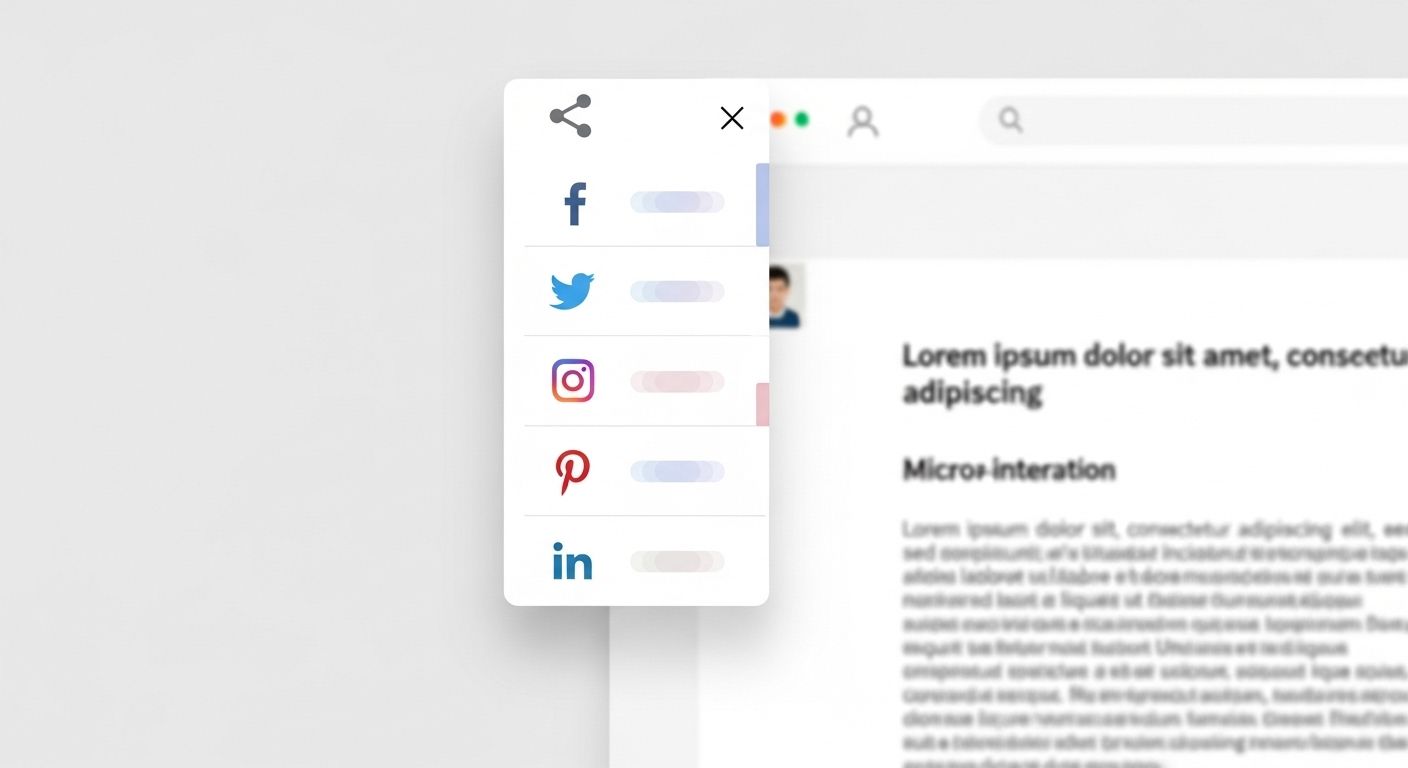
Instagram Share Button for Website Integration
- 1.
Ever Tried to Share Your Sick Website on Instagram… and Hit a Wall?
- 2.
Wait—Can You Even Share a Website *on* Instagram?
- 3.
How Do I Add an Instagram Share Button on My Website? (Spoiler: It’s Not Built-In)
- 4.
DIY vs. Plugin: Which Path Keeps Your Sanity Intact?
- 5.
Design Matters—Make It Pop, Not Flop
- 6.
What Happens When Someone Clicks It? (Managing Expectations)
- 7.
Track It—Because What Gets Measured Gets Managed
- 8.
Common Pitfalls (And How to Dodge ‘Em Like a Pro)
- 9.
Why Bother? The Ripple Effect of Social Sharing
- 10.
Ready to Turn Visitors Into Advocates? Let’s Build It.
Table of Contents
instagram share button for website
Ever Tried to Share Your Sick Website on Instagram… and Hit a Wall?
You spent weeks building your dream site—clean design, killer copy, maybe even a lil’ animation that makes your logo do a backflip. You’re ready to shout it from the digital rooftops. You open Instagram, go to share… and *poof*—no native link option unless you’ve got 10k followers or a business account with Story links. Frustrating? Heck yeah. But what if your visitors could tap one button and instantly share your page to their Insta Stories or DMs? That’s where an instagram share button for website comes in—not as a magic wand, but as a clever workaround that turns passive scrollers into active promoters. And trust us, once you nail this, your traffic might just do its own backflip.
Wait—Can You Even Share a Website *on* Instagram?
Let’s clear the fog: **can you share a website on Instagram?** Technically, yes—but with caveats thicker than your grandma’s gravy. Regular users can’t drop clickable links in posts or comments (RIP). But in Stories? If you’ve got 10k+ followers or a verified account, you get the “link sticker.” Everyone else? You’re stuck saying “link in bio” like it’s 2016. However—and this is a big *however*—anyone can share a *URL* via DMs or by copying it. So while Instagram doesn’t offer a direct “share to feed” button for external sites, we can still create an instagram share button for website that opens a pre-filled DM or generates a shareable Story draft. It’s not perfect, but it’s powerful.
How Do I Add an Instagram Share Button on My Website? (Spoiler: It’s Not Built-In)
Here’s the kicker: Instagram doesn’t provide an official “share to Instagram” button like Facebook or Twitter. Why? Because they wanna keep you *in* the app, not sending folks elsewhere. But don’t throw your laptop out the window just yet. You *can* build a custom instagram share button for website using JavaScript and Instagram’s URI schemes. When clicked, it opens Instagram’s app (if installed) with a pre-loaded message or image suggestion. On desktop? It’ll prompt users to copy the URL or open Instagram Web. It’s a bit of a hack, but hey—when the platform gives you lemons, you code lemonade.
DIY vs. Plugin: Which Path Keeps Your Sanity Intact?
If you’re thinking, “I ain’t no coder,” breathe. You’ve got options. For WordPress folks, plugins like “Social Snap” or “Shared Counts” offer customizable share buttons—including workarounds for Instagram. They won’t post directly to feeds (again, Instagram’s rules), but they’ll generate a pop-up with instructions like “Open Instagram > Tap + > Paste Link.” For developers, a few lines of JavaScript can trigger `instagram://` or `https://www.instagram.com/` with UTM parameters. The goal? Make sharing frictionless. Whether you DIY or plug-in, your instagram share button for website should feel intuitive—not like solving a Rubik’s Cube blindfolded.
Design Matters—Make It Pop, Not Flop
A button that blends into your footer like a shy wallflower? Useless. Your instagram share button for website needs to *sing*. Use Instagram’s iconic gradient (purple-to-orange, baby!), add a recognizable icon, and place it near high-engagement zones—blog endings, product pages, or after a killer testimonial. Pro tip: pair it with microcopy like “Share this inspo with your squad 💅” to spark action. And for mobile? Make it thumb-friendly—big enough to tap without zooming. Remember, if it looks like an afterthought, it’ll be treated like one. 
What Happens When Someone Clicks It? (Managing Expectations)
Let’s be real: clicking your instagram share button for website won’t auto-post to someone’s grid. Instagram’s API restrictions prevent that (and for good reason—imagine spam city). Instead, the best you can do is:
- Open Instagram app with a pre-filled DM containing your URL
- Launch a “Copy Link” prompt with a note: “Paste this in your Insta Story!”
- Redirect to a “How to Share” modal with step-by-step visuals
Track It—Because What Gets Measured Gets Managed
Don’t just slap on an instagram share button for website and ghost it. Use UTM parameters (`?utm_source=instagram_share&utm_medium=website_button`) to track clicks in Google Analytics. See which pages get shared most. Is it your vegan brownie recipe? Your productivity manifesto? Double down on that content. Tools like Bitly can also shorten and track shares. Data tells you what resonates—and what’s just decorative fluff.
Common Pitfalls (And How to Dodge ‘Em Like a Pro)
We’ve seen ‘em all: broken links, buttons that only work on iPhone, or worse—buttons that say “Share to Instagram” but actually open Facebook. Avoid these rookie errors:
| Mistake | Fix |
|---|---|
| Using outdated Instagram URI | Test `instagram://` and fallback to web URL |
| No mobile/desktop differentiation | Use responsive JS that detects OS |
| Ignoring accessibility | Add ARIA labels: “Share this page on Instagram” |
Why Bother? The Ripple Effect of Social Sharing
Still wondering if an instagram share button for website is worth the hassle? Consider this: 74% of consumers rely on social proof before buying (Nielsen). When someone shares your page to their Story—even with a “check this out!” caption—it’s a personal endorsement. That’s worth more than any ad. Plus, Instagram’s algorithm favors accounts that drive external traffic (yes, really). So every share boosts your credibility *and* visibility. It’s not just a button—it’s a growth lever disguised as a tiny icon.
Ready to Turn Visitors Into Advocates? Let’s Build It.
Adding an instagram share button for website isn’t about gaming the system—it’s about empowering your audience to spread your message in the wild, beautiful chaos of Instagram. Whether you’re a solopreneur, blogger, or e-commerce brand, making sharing effortless = more eyes, more trust, more momentum. So go ahead: code it, plugin it, or hire a dev—but make it happen. And while you’re leveling up your site, swing by Peternak Digital for more growth hacks. Dive deeper into traffic strategies in our Traffic section. Or explore technical walkthroughs in our guide: Share Button For Instagram Web Embedding. Your audience’s waiting—give ‘em a reason to hit share.
Frequently Asked Questions
How do I add an Instagram share button on my website?
To add an instagram share button for website, you’ll need to use custom JavaScript or a third-party plugin since Instagram doesn’t offer an official share button. The button typically opens Instagram’s app with a pre-filled message or prompts users to copy your URL for sharing via DMs or Stories. Always include clear instructions to manage user expectations.
Can you share a website on Instagram?
Yes, but with limitations. Users can share website links via Instagram Direct Messages or in Stories (if they have 10k+ followers or a verified account). There’s no native way to post external links to the main feed. However, an instagram share button for website can streamline the process by guiding users to share via available methods.
How do I add a share button to my website?
You can add a general share button using social sharing plugins (like AddToAny or ShareThis) or custom code. For Instagram specifically, since direct sharing isn’t supported, your instagram share button for website should focus on opening DMs, copying the URL, or displaying sharing instructions tailored to Instagram’s constraints.
How do I add a website button on Instagram?
On Instagram, you can add a website link via your bio (all accounts) or the “Link Sticker” in Stories (accounts with 10k+ followers or verified). This is separate from adding an instagram share button for website on your own site—but both strategies work together to drive traffic between platforms.
References
- https://developers.facebook.com/docs/instagram-basic-display-api
- https://www.nielsen.com/insights/2025/social-media-trust-report/
- https://css-tricks.com/how-to-add-social-share-buttons/
- https://help.instagram.com/181219122283561